
Microsoft Upgrading Windows 11 Touchpad With Advanced New Gestures And Scrolling Features
Microsoft has introduced a major upgrade to Windows 11 touchpad functionality through its latest Insider Preview builds, adding several advanced gestures and scrolling controls aimed...
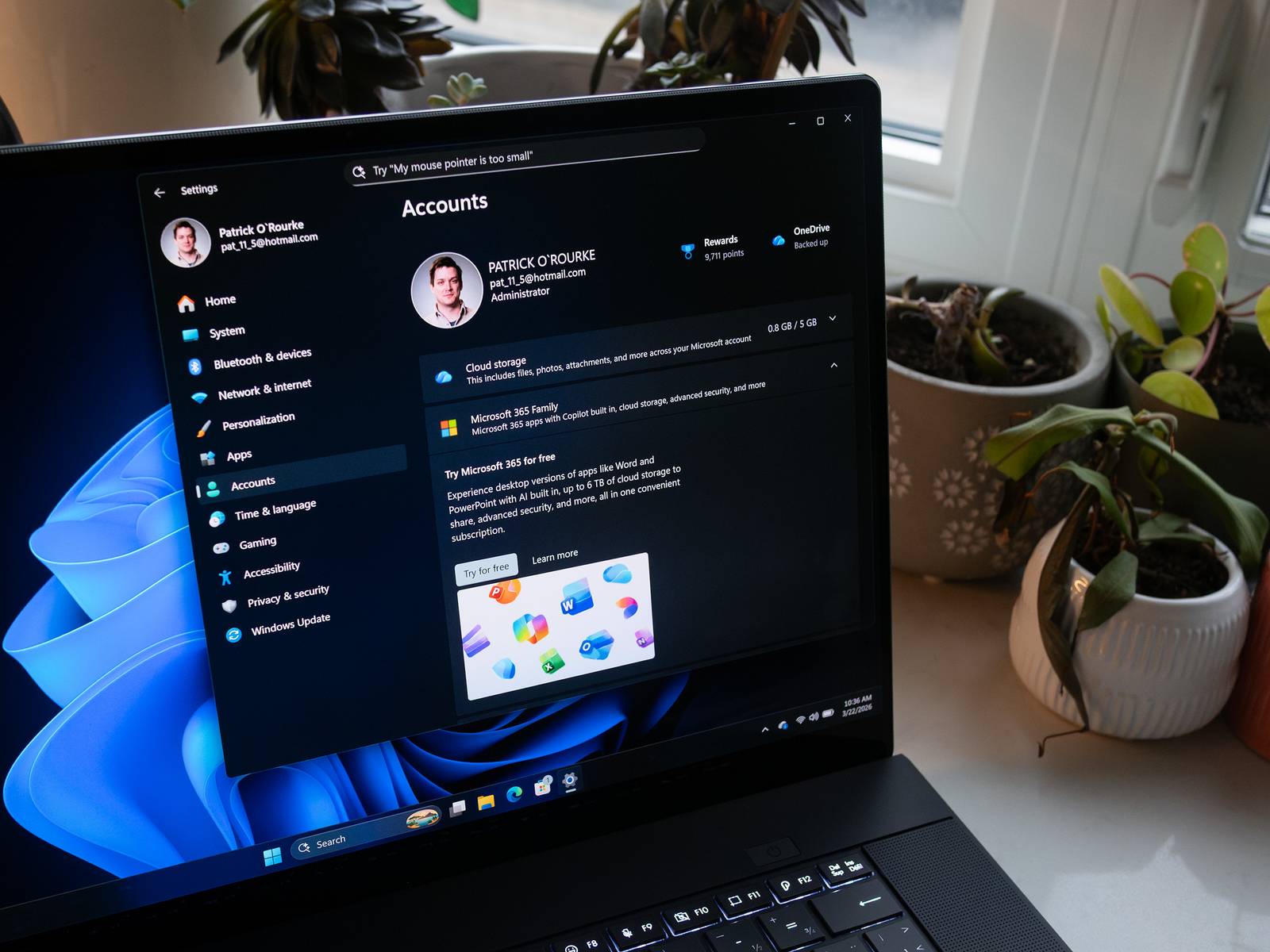
Microsoft has introduced a major upgrade to Windows 11 touchpad functionality through its latest Insider Preview builds, adding several advanced gestures and scrolling controls aimed at improving laptop usability.
The update brings one of the biggest touchpad overhauls seen in recent Windows releases and expands gesture customization for precision touchpad users.
Top Summary
- What happened: Microsoft added new touchpad gestures and scrolling controls to Windows 11 Insider builds.
- Why it matters now: The update significantly improves touchpad functionality and customization for laptop users.
- What changes for people: Users will gain smoother scrolling, single-finger gestures and enhanced touchpad controls.
- Who is affected: Windows 11 laptop users, developers and Windows Insider testers.
The new features are currently rolling out in multiple Windows Insider channels, including:
- Beta
- Experimental
- Experimental (26H1)
- Experimental (Future Platforms)
Among the biggest additions are advanced scrolling options located inside:
- Settings → Bluetooth & devices → Touchpad → Scroll & zoom
New Touchpad Features Added
Microsoft has introduced several major touchpad improvements:
Automatic Scrolling At Edge
Users can now continue scrolling automatically when their fingers reach the edge of the touchpad surface.
Pressure-Based Automatic Scrolling
A second option allows scrolling to continue when users apply additional pressure while holding fingers stationary on compatible touchpads.
Accelerated Scrolling
Windows 11 can now increase scrolling speed dynamically when users repeat gestures quickly, helping users move through:
- Long webpages
- Large PDF files
- Documents
- Media libraries
Single-Finger Scrolling
A new dropdown setting allows vertical scrolling using just one finger from either:
- Left side of the touchpad
- Right side of the touchpad
Microsoft also added dedicated sliders allowing users to fine-tune:
- Scroll speed
- Zoom sensitivity
The company noted that many of these features will work across most precision touchpads without requiring specialized haptic hardware.
File Explorer Improvements Also Added
The update additionally improves File Explorer usability.
Changes include:
- File sizes now displayed properly in KB, MB and GB
- Better support for paths with quotation marks and double backslashes
- Improved Address Bar behavior
- Better keyboard navigation in context menus
Microsoft also fixed bugs involving:
- Folder rename display issues
- Address Bar dropdown glitches
- Repeated text selection during renaming
Voice Typing Gets Cleaner Design
In Experimental Future Platforms builds, Microsoft has removed the large overlay previously shown during voice typing.
Instead, dictation animations now appear directly on the keyboard’s dictation key, reducing visual clutter while typing.
Education Upgrade Feature Introduced
Microsoft also introduced a new free upgrade path allowing educational institutions to move devices from:
- Windows 11 Home
to - Windows 11 Pro Education
The upgrade can reportedly be performed using the Clipupgrade.exe tool.
Additional System Fixes
Other updates include:
- Improved notification reliability
- Faster clipboard history performance
- Japanese IME stability improvements
- Better rendering support for Southeast Asian scripts
- Printer driver updates
Industry observers believe the touchpad overhaul reflects Microsoft’s broader effort to make Windows laptops feel more premium and competitive against macOS devices.
The changes are currently limited to Insider Preview users but could later expand into stable public Windows 11 releases.
Bottom line
Microsoft’s latest Windows 11 Insider update delivers one of the platform’s biggest touchpad upgrades in years. With smoother scrolling, new gesture controls and deeper customization, the company is aiming to significantly improve the everyday laptop experience for Windows users.
What to watch next
- Stable public rollout timeline for the new features
- Developer support for updated gesture functionality
- Additional Windows 11 UI upgrades
- User feedback from Insider testers
- Future Windows laptop hardware optimized for the new controls