
Google Home smart lights acting up? You’re not alone — Google confirms a fix is on the way
If your Google Home–connected smart lights suddenly stopped responding this week, don’t panic — it isn’t just your setup. Thousands of users globally are reporting...
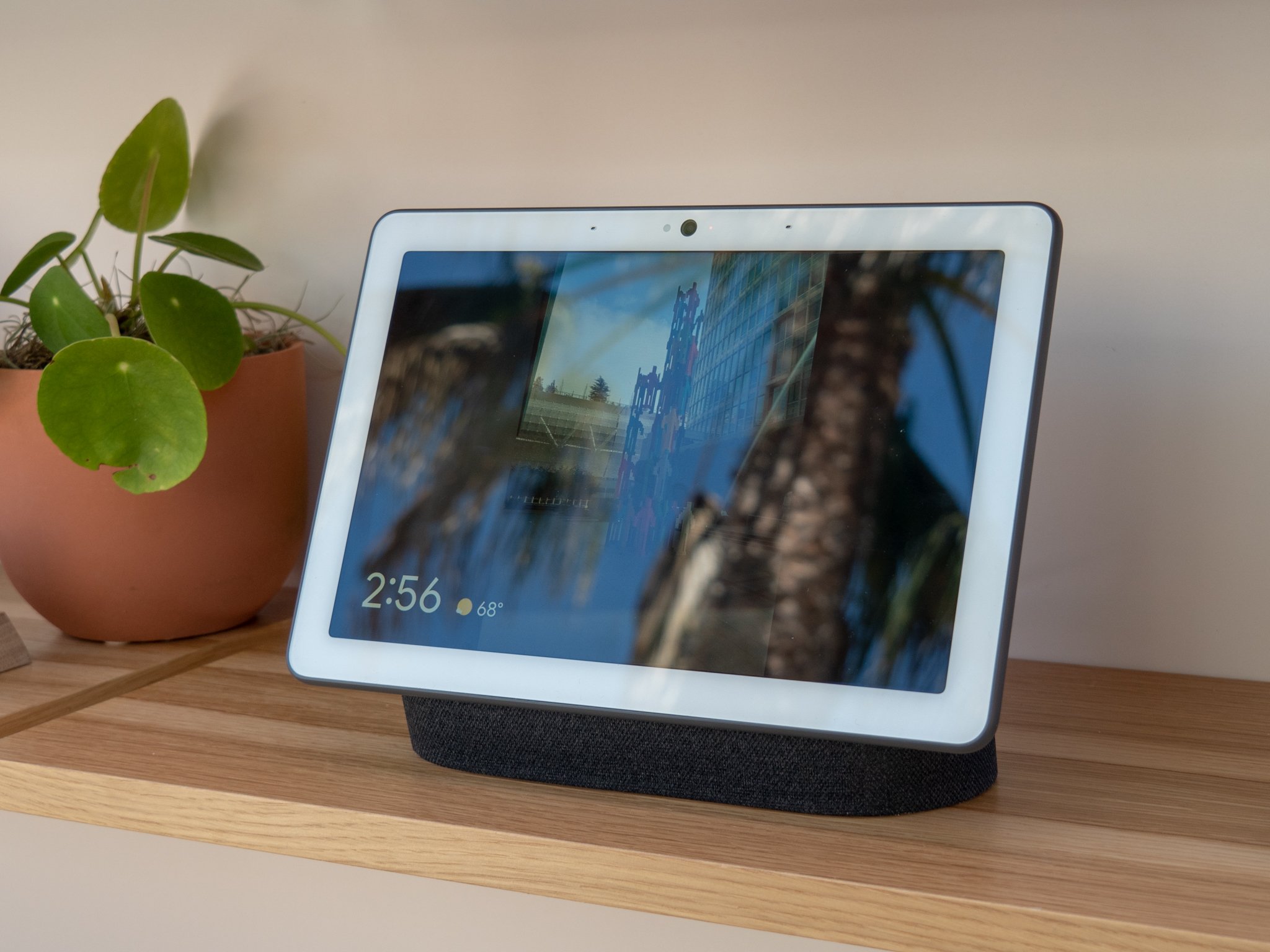
If your Google Home–connected smart lights suddenly stopped responding this week, don’t panic — it isn’t just your setup. Thousands of users globally are reporting similar glitches across Google Home, Nest, and third-party smart lighting ecosystems.
Google has now acknowledged the issue and confirmed that an official fix is currently being rolled out.
What exactly is happening?
Reports began surfacing on Reddit, Google’s support forums, and X, with users complaining that:
Lights are not responding to voice commands
Google Home app shows devices as offline
Routines that control smart lights fail to execute
Some lights flicker or activate on a delay
Google Assistant replies with: “It looks like something went wrong.”
The bug appears to affect major smart lighting brands such as Philips Hue, TP-Link Tapo, Wiz, and Lifx, especially when paired through Google Home’s automation panel.
Why now? Blame the shaky Gemini for Home rollout
Google recently pushed a major update — Gemini for Home — intended to make smart home routines more intelligent, conversational, and predictive.
However, the rollout has been far from smooth. Users have reported:
Broken automations
Incorrect context recognition
Routine triggers failing
Devices showing inconsistent status
Tech experts believe the current light-control glitch might be tied to backend changes introduced during the Gemini migration.
Google responds: A fix is being tested
A Google spokesperson posted an official statement on the Google Home support page, saying:
“We’re aware of an issue causing some smart lights to appear offline or unresponsive. Our team is actively working on a fix, which will roll out automatically in the coming days.”
Google also advised users not to reset their devices, as the issue is on Google’s side — not the hardware.
Temporary workarounds you can try
While waiting for Google’s patch, users have found a few quick fixes that temporarily restore light control:
✔ Restart your Google Nest speakers/displays
A simple power cycle can re-sync devices.
✔ Force-close and reopen the Google Home app
Some users report the app reconnects after a restart.
✔ Toggle lights via brand-specific apps
Hue, Tapo, and Wiz apps often work even when Google Home doesn’t.
✔ Disable and re-enable Wi-Fi on the controlling device
Helps re-establish the local network bridge.
✔ Avoid editing automation routines
Changes made now may not sync properly due to the ongoing bug.
Is this the start of a bigger problem?
Google’s smart home ecosystem has seen a turbulent few months, leading some users to question:
The reliability of Google’s automation platform
The stability of updates rolled out without user control
Whether support for long-time users is declining
Industry analysts believe Google is trying to massively upgrade Home automation ahead of major AI-home integrations planned for 2025–26 — but these transitions often break existing systems.