
ChatGPT Comes to Apple CarPlay: Voice Control AI in Your Car
ChatGPT is now integrated with Apple CarPlay, offering voice-based AI interaction.
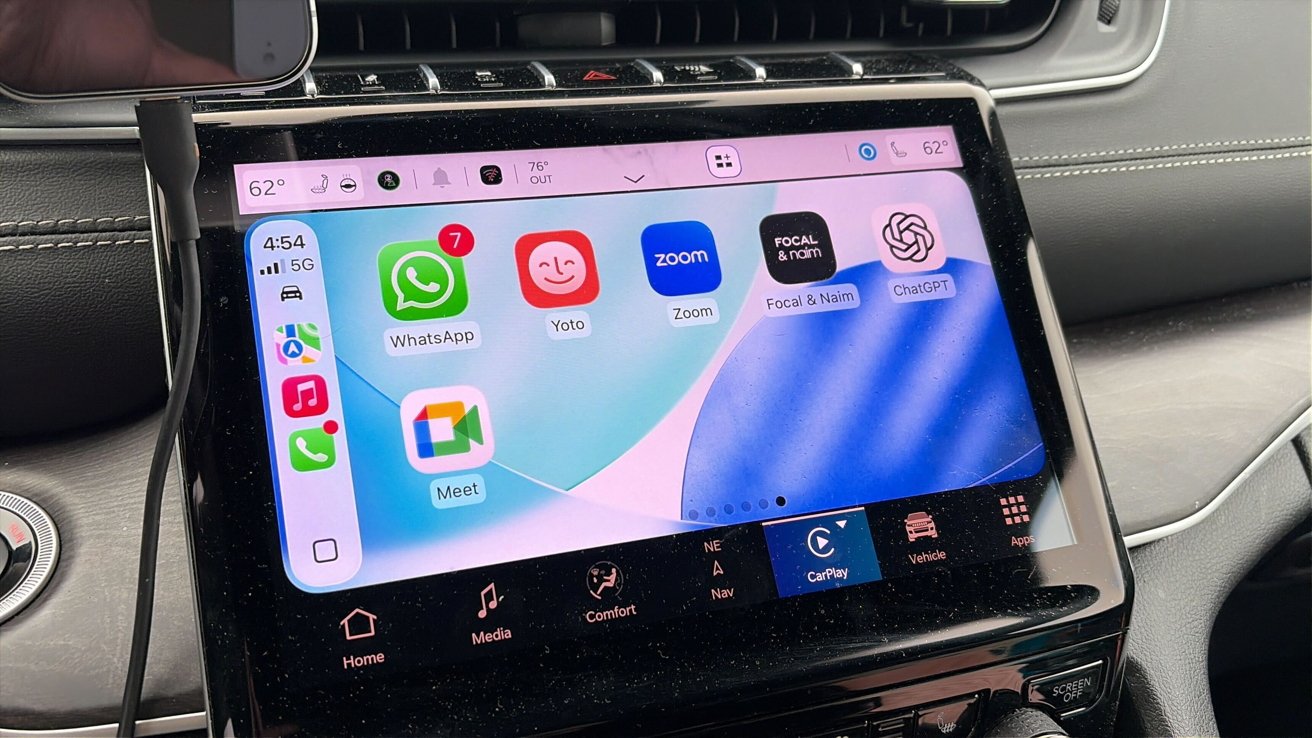
Top Summary
- What happened: ChatGPT is now available on Apple CarPlay, allowing users to access the AI chatbot through their car dashboard.
- Why it matters: This integration brings AI-powered assistance to drivers, enhancing the in-car experience and potentially improving safety.
- What changes for people: CarPlay users can now interact with ChatGPT via voice commands, receiving audible responses without needing to look at the phone screen.
- Who is affected: Apple CarPlay users with devices running iOS 26.4 or newer, and the latest version of the ChatGPT app are affected.
ChatGPT Integrates with Apple CarPlay
ChatGPT is now accessible directly from Apple CarPlay dashboards. This integration focuses on voice interaction for a safer driving experience.
The feature is supported on devices running iOS 26.4 or newer. Users also require the latest version of the ChatGPT app.
Voice-Only Interaction
ChatGPT on CarPlay operates exclusively through voice commands. Users can input commands and receive audible responses. No on-screen text responses are displayed.
Basic on-screen controls are available, including buttons to mute or end the conversation. A list of recent voice interactions can also be viewed.
Users must manually open the ChatGPT app from the CarPlay interface. The feature does not support a wake word, so tapping the app is required to initiate a conversation.
Safety First
Apple's update prioritizes safety by allowing AI apps to function in a controlled environment. Voice interaction is the primary mode of communication.
The integration focuses on voice interaction, letting users talk to ChatGPT while driving without using the phone screen.
ChatGPT is one of the first major AI apps integrated into CarPlay. This integration allows drivers to leverage AI while minimizing distractions.
How to Get Started
The feature is available through the latest update of the ChatGPT app on iPhone.
- Update to iOS 26.4 or newer.
- Download the latest version of the ChatGPT app.
- Open the ChatGPT app manually from the CarPlay interface to begin a conversation.
What to Watch Next
Future updates may include wake word support and expanded functionality. The adoption rate and user feedback will likely influence further developments in AI integration within CarPlay.